iPad & iPhone · Android
LiveDeck
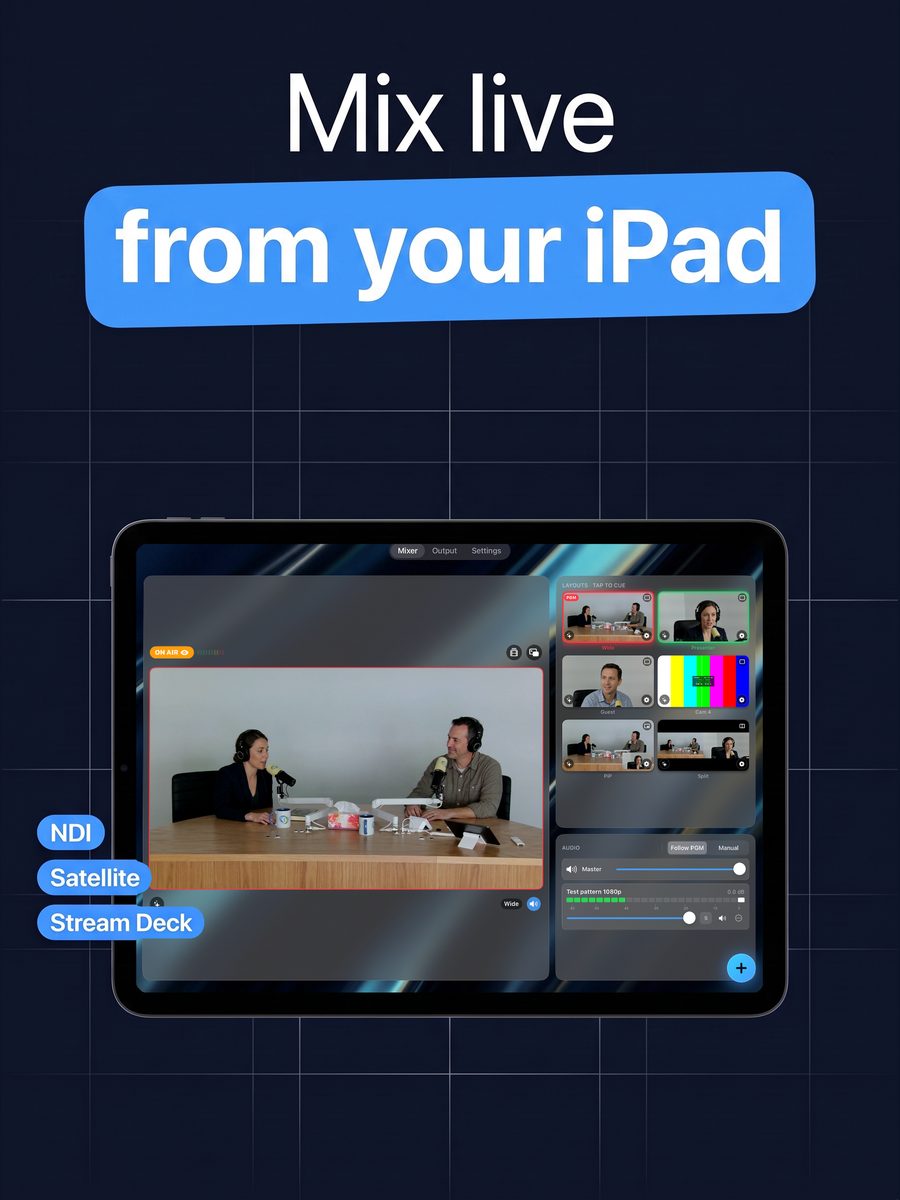
Why buy a switcher, an encoder and a rack of control gear when the tablet you already own can do all of it? LiveDeck turns an iPad, iPhone or Android device into a live production switcher — NDI cameras, device cameras and satellite phones as sources, tap-to-cue layouts and skins on the way out, and NDI, RTMP or a recording on the way to your audience. It also does what the hardware cannot: a Stream Deck and a documented control API, a browser remote, and remote hosts who join from the same app on their own phone — iPhone, iPad or Android — while you talk to them live.
Submitted to the App Store and Google Play — the links go live when the review completes.
Community forumSupportDocsCompanion module for Companion 5 (download)Companion module for Companion 4.1–4.3 (download)Get Bitfocus Companion
What it does
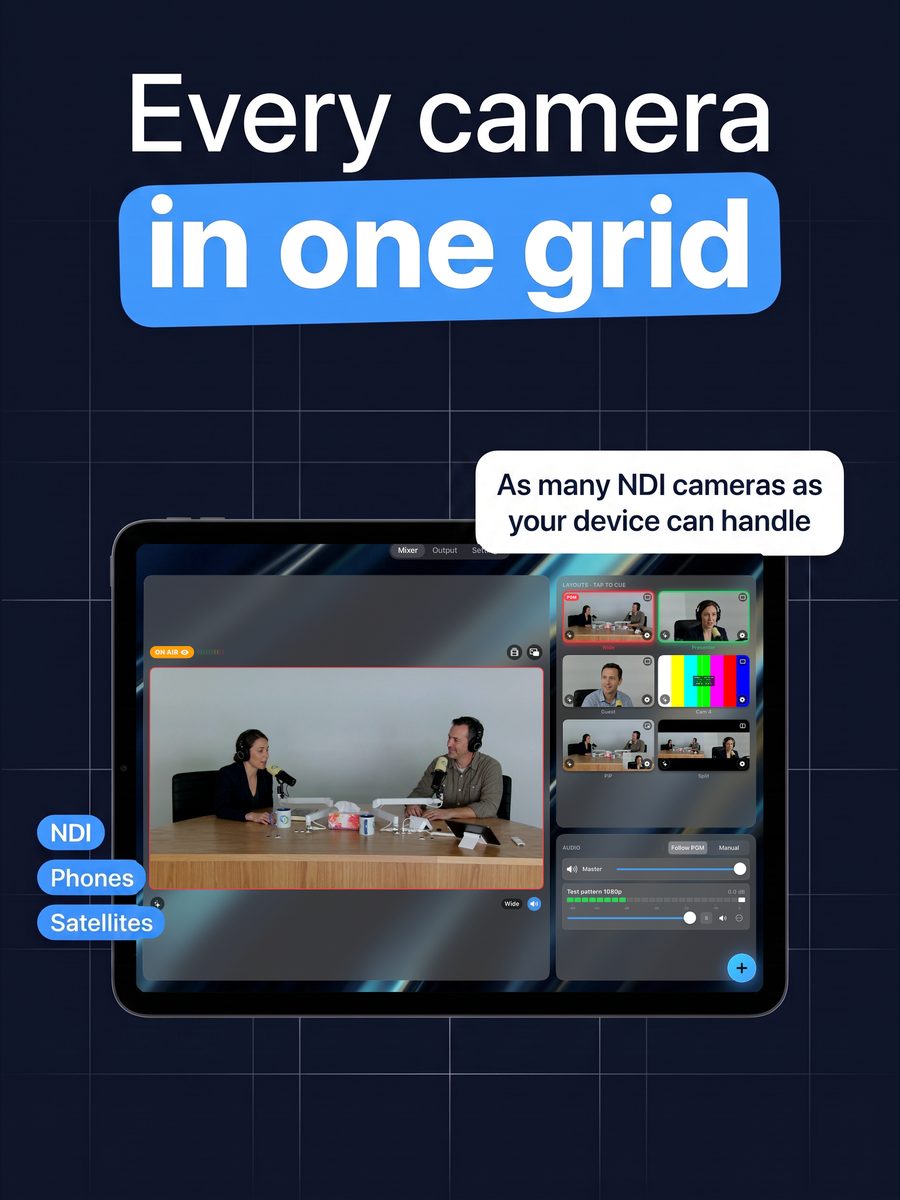
Every source in one grid
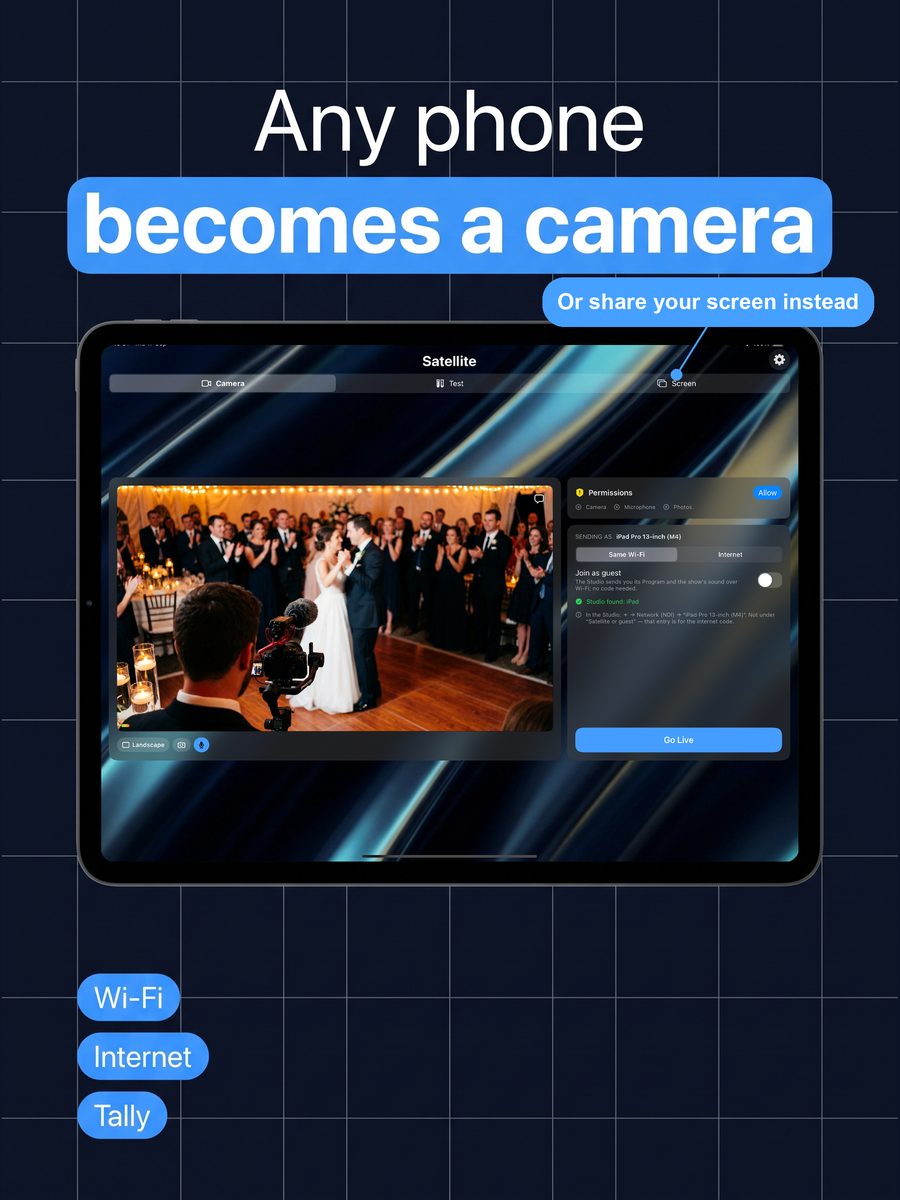
NDI cameras on the network, the device’s own cameras, screen share, stills and loops, plus satellites — another phone sending its camera over Wi‑Fi or the internet.
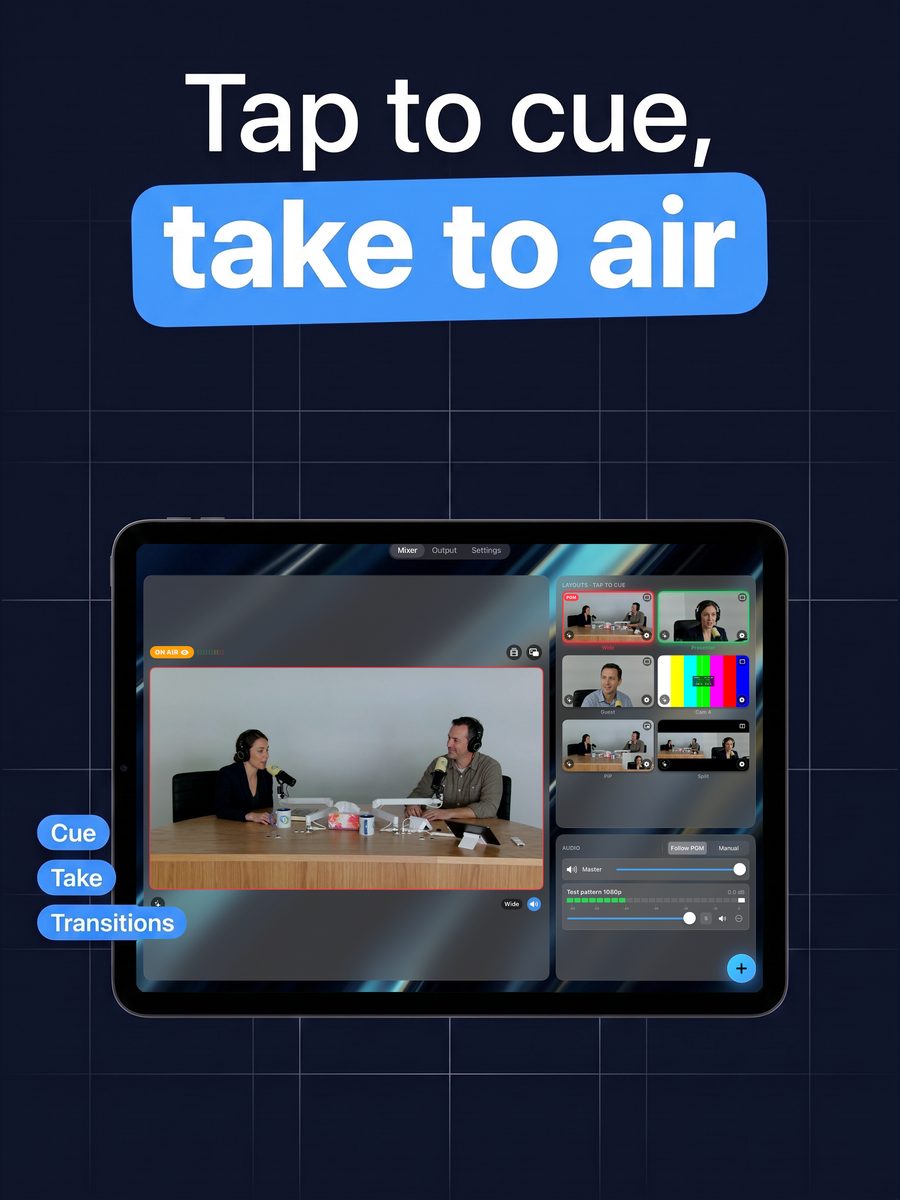
Tap-to-cue, not drag-to-guess
Full screen, picture-in-picture, splits and quad layouts are one tap away, with per-slot audio and PTZ, and a proper Program monitor showing what is actually on air.
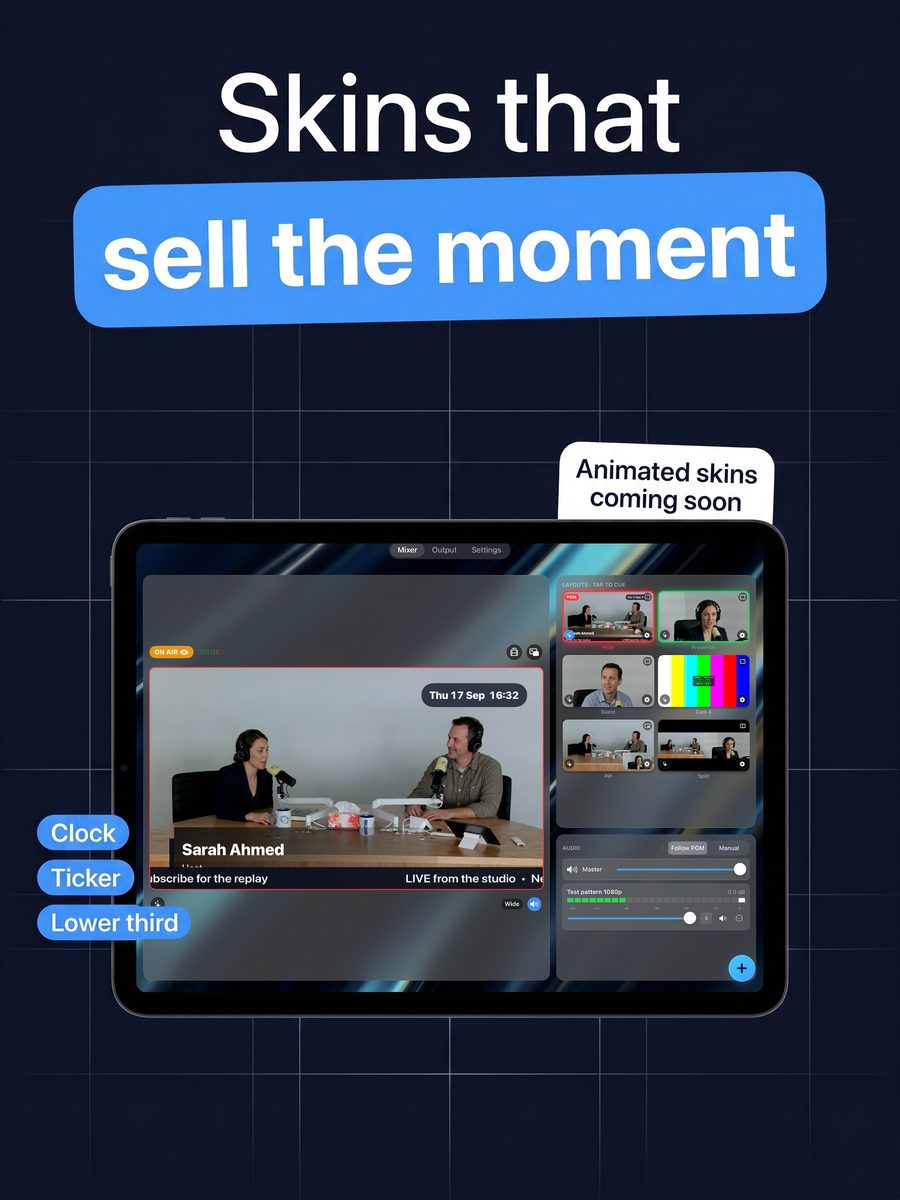
Skins for the moments that need them
A clock, countdown, ticker, lower thirds or a message can sit over Program without leaving the mixer, and drop away just as easily.
Outputs that go where the show needs
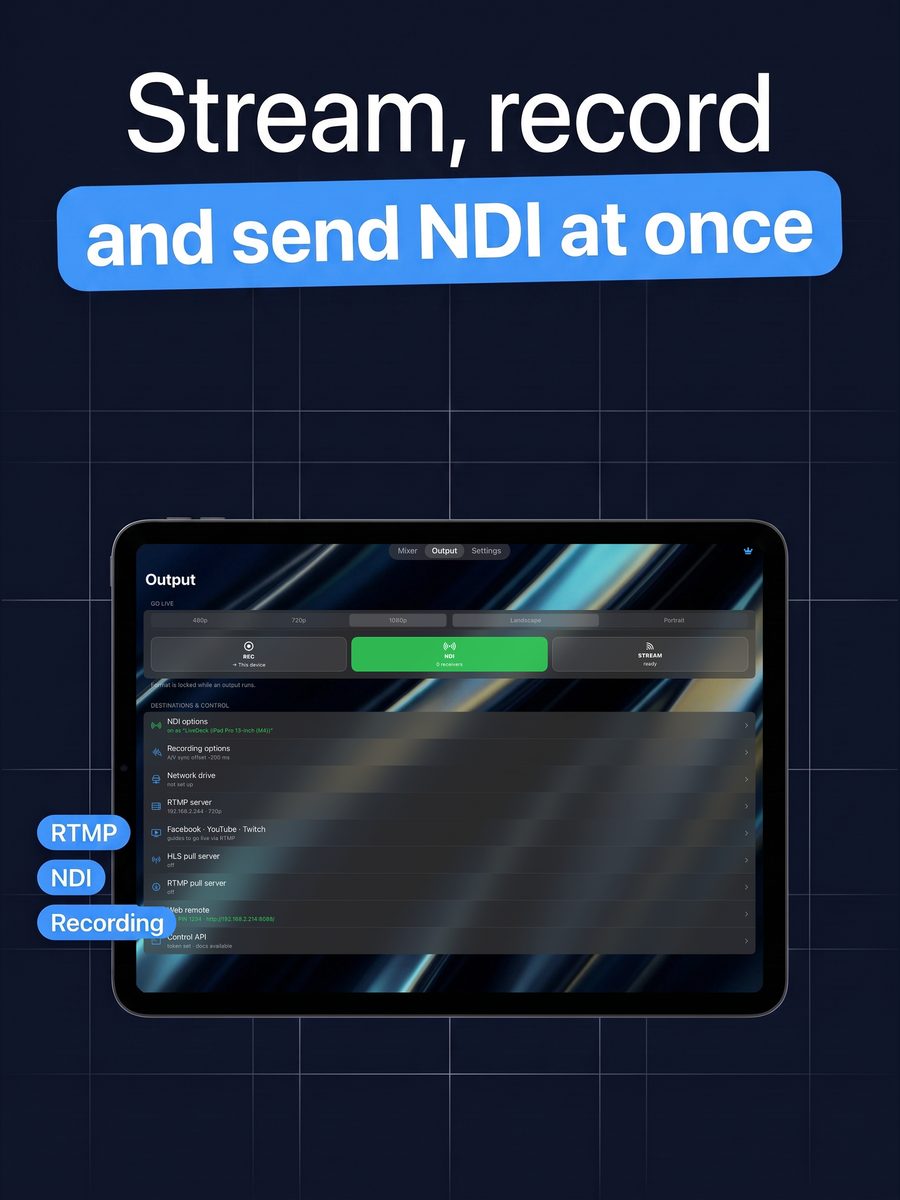
NDI to any receiver, RTMP to Facebook, YouTube, Twitch or your own server, a recording to the device or an SMB share, plus HLS and RTMP pull servers for other apps.
A safety net when a source drops
If the on-air source stalls or disconnects, LiveDeck switches away automatically — to the previous layout or one you choose — instead of freezing on air.
Control it from anywhere in the room
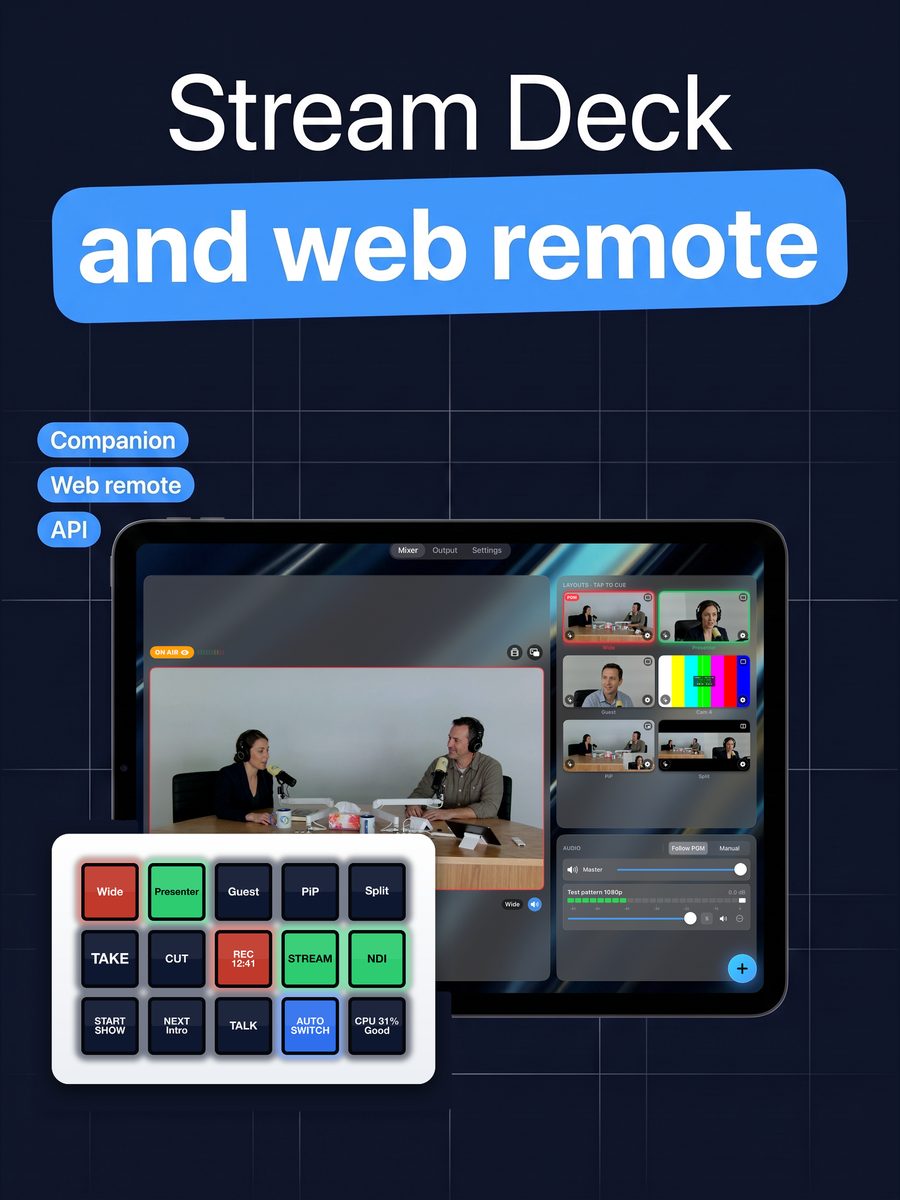
A web remote runs from any browser on the network, and a documented control API plus a free Bitfocus Companion module (download link below) put LiveDeck on a Stream Deck.
Hosts on air from anywhere
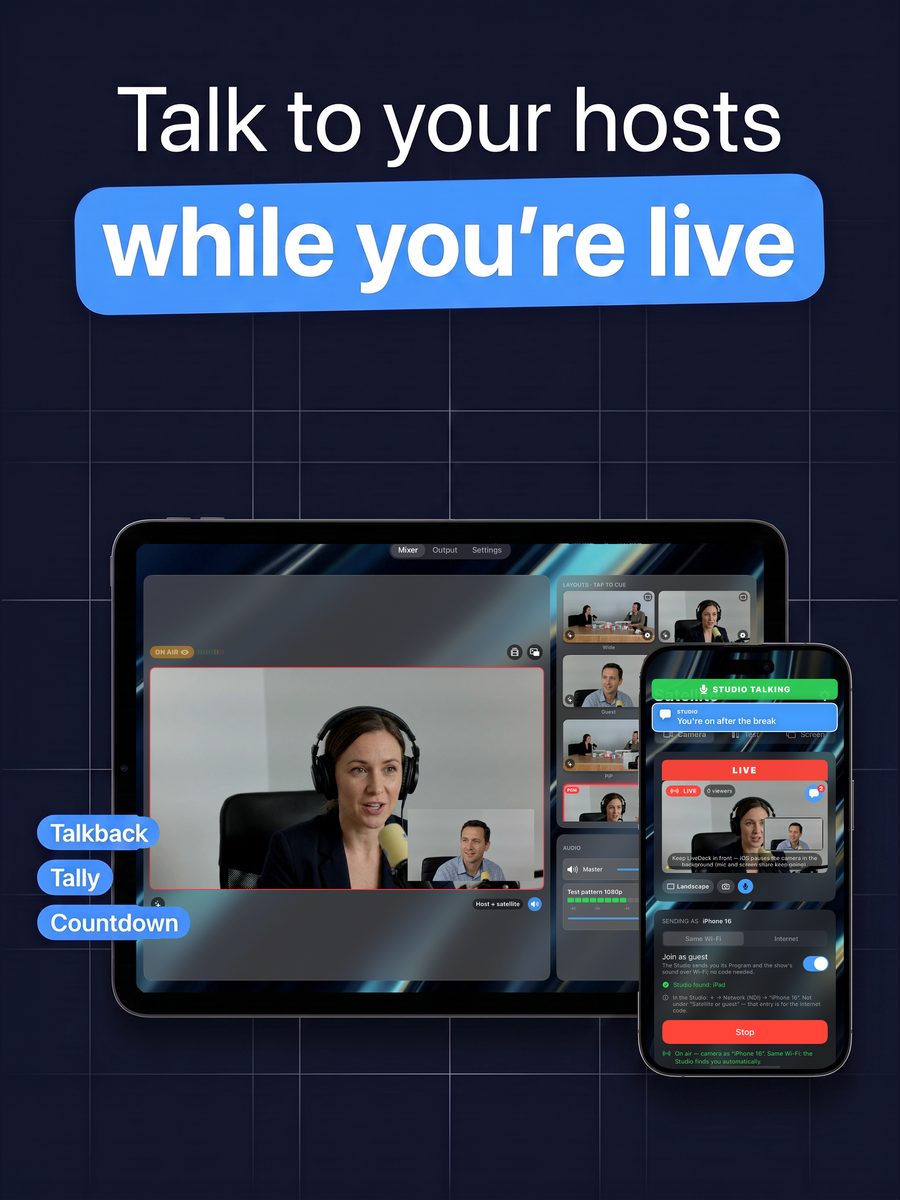
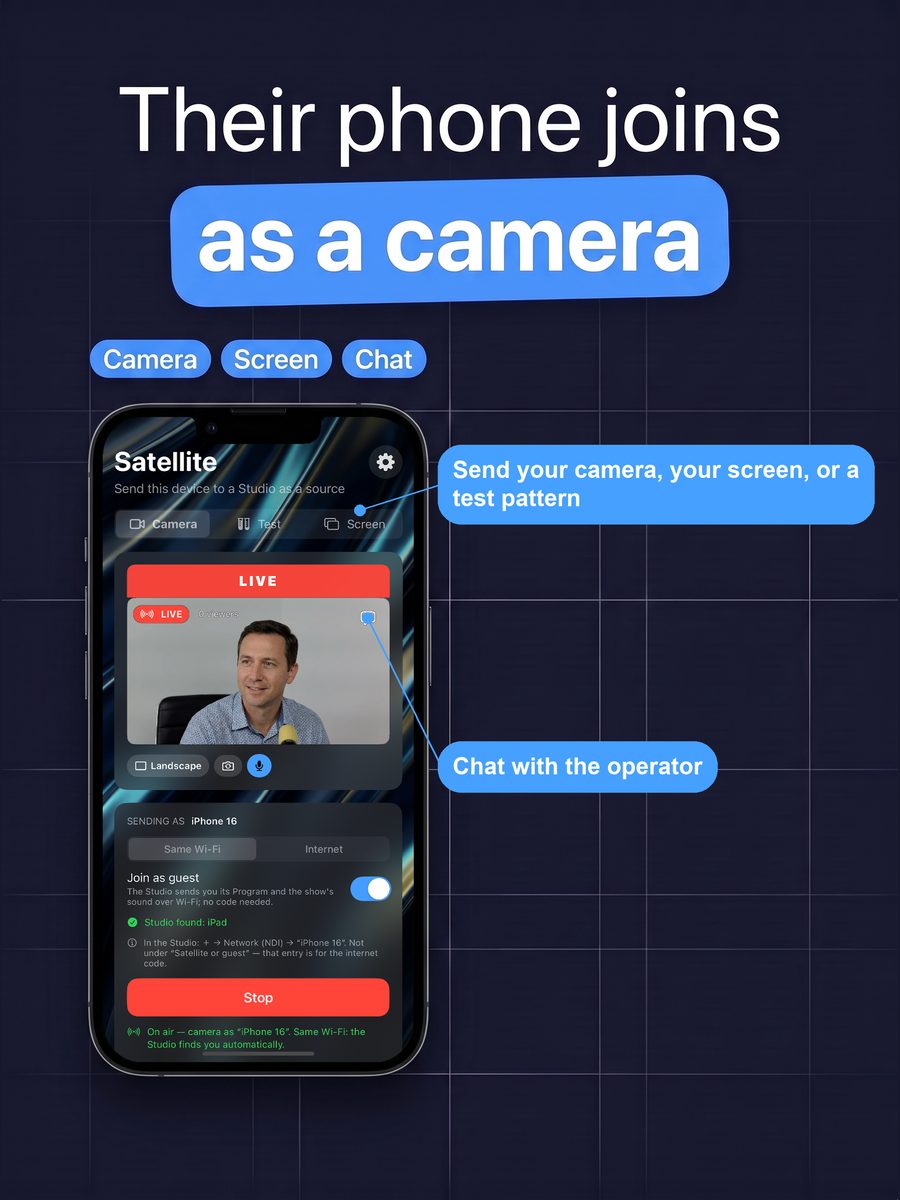
A second phone in Satellite mode becomes a camera. You speak to its presenter live over talkback while streaming — they see tally, your messages and the countdown; the audience hears only the show.
Nothing else to buy
No switcher, no encoder box, no capture card, no separate control-surface software and no second app for guests. The Companion module, the control API and Satellite mode are part of LiveDeck.
Satellite mode: one app, two roles
Open LiveDeck on a second phone and pick Satellite instead of Studio. Send your camera, share your screen, or send a test pattern, chat with the operator, and watch tally and the countdown while you wait.
Speaks twelve languages
English plus Arabic, Chinese (Simplified), French, German, Hindi, Indonesian, Italian, Portuguese (Brazil), Spanish, Turkish and Urdu, chosen from the device’s own language, with right-to-left layouts where they belong.
Every device in the room counts
LiveDeck runs on iPad, iPhone and Android, and they work together: an Android phone can be a camera for an iPad Studio, or the other way round. Whatever the crew already carries can join the show.
Coming soon: animated skins
GIFs and animated text such as “Subscribe now” or “Next up”, parked on a button under the Program monitor so you fire them at exactly the right moment.