LiveDeck · Tutorials
Learn LiveDeck
Short videos recorded in the real app, each with the steps written out underneath. Shown on iPhone or iPad; where Android differs, every step says how.
Showcase
Skins in 90 seconds
Plays silently. Tap ▶ for sound and full screen, or jump to a chapter.
Showcase
LiveDeck in 60 seconds
Plays silently. Tap ▶ for sound and full screen, or jump to a chapter.
Learn how
Go live for the first timeHow-to
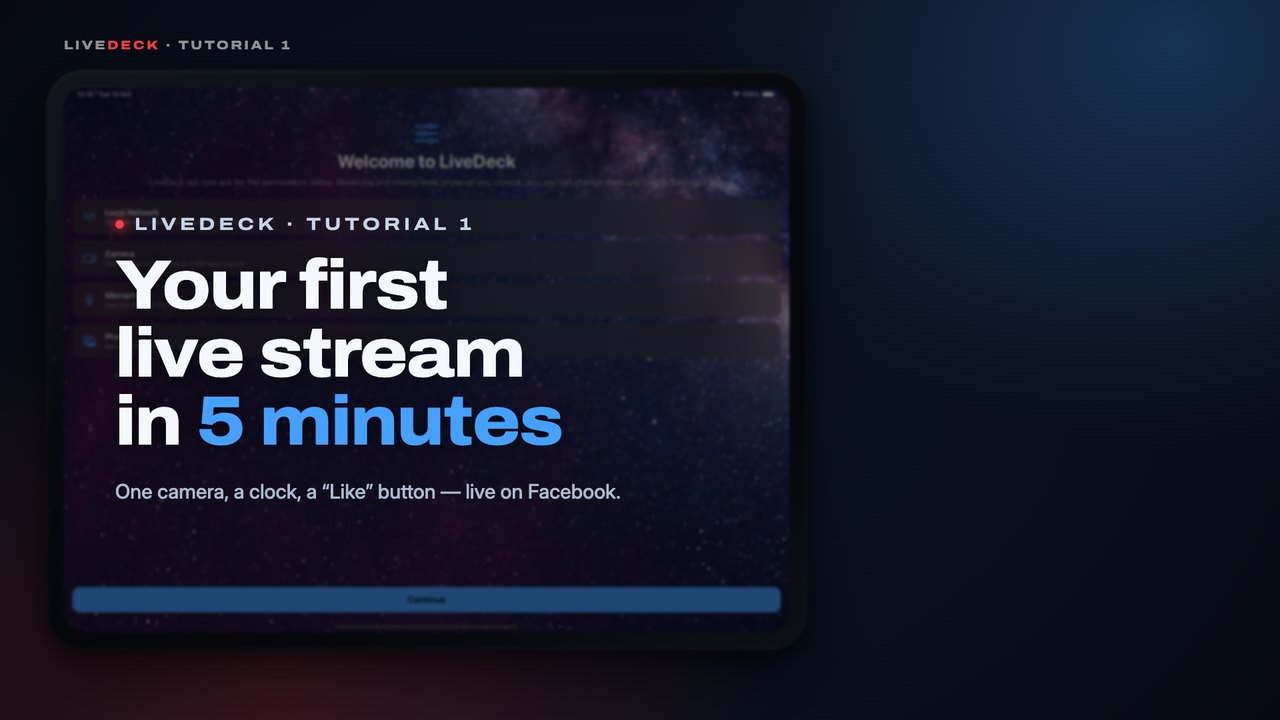 2:03Your first live stream8 steps · One camera, a clock that stays on and a “Like us” button, live on Facebook.Watch
Bring in cameras from anywhereHow-to
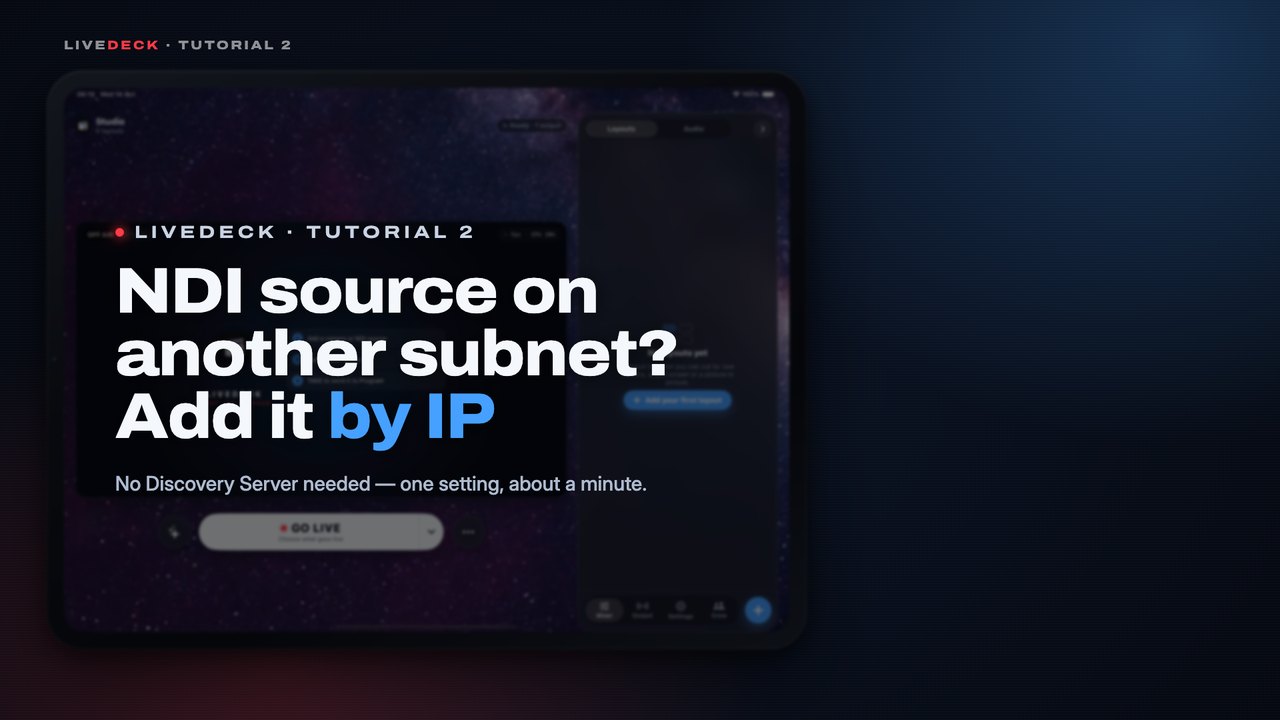 1:27Add an NDI source on another subnet5 steps · A camera on another subnet or VLAN doesn’t show up by itself. Type its IP address once and it does.Watch
Make your own lower thirdHow-to
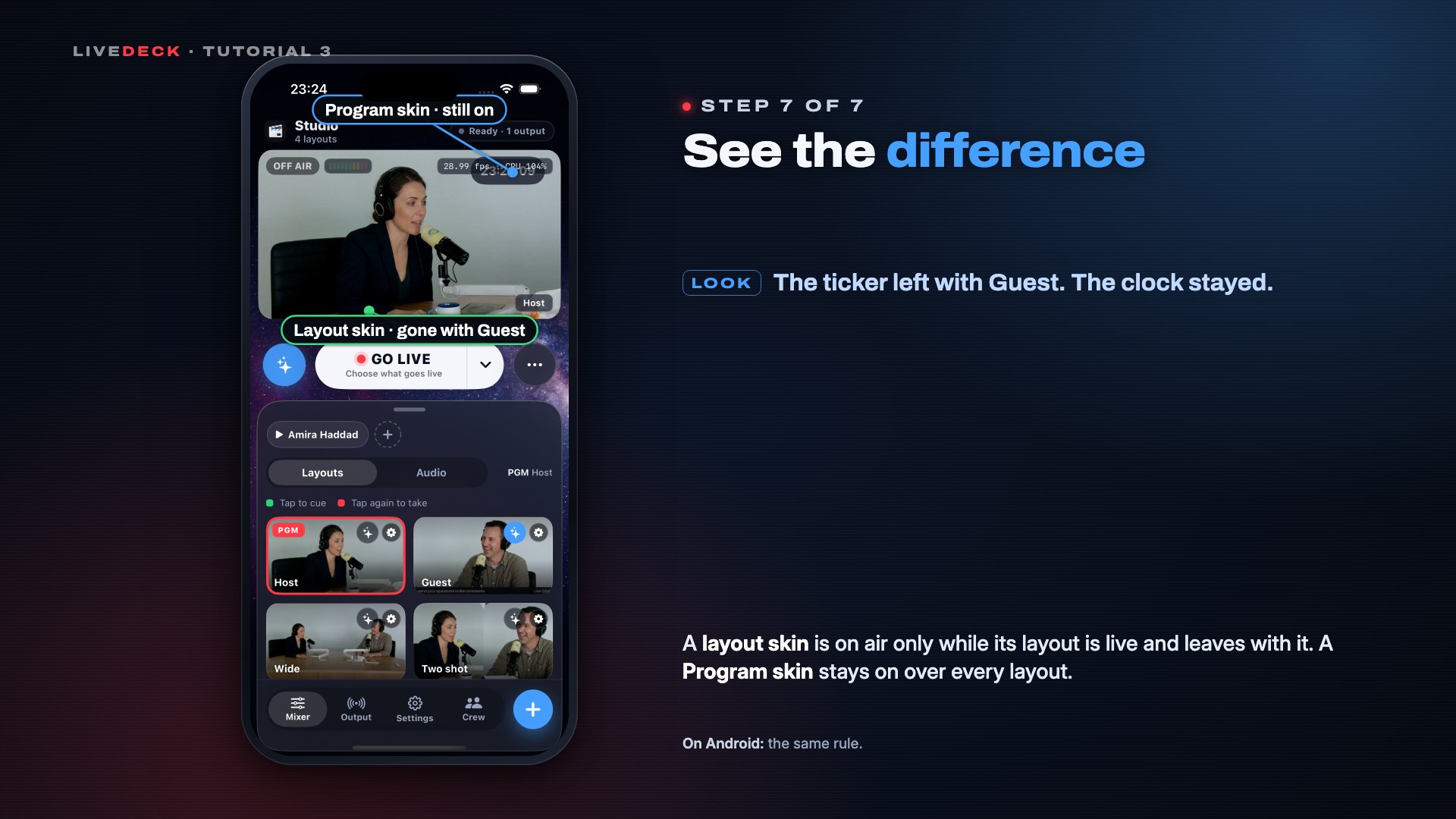 1:33Skin buttons — and layout skins vs Program skins7 steps · Put a lower third on air with one tap, and see which skins stay on when you switch layouts.Watch
Keep a backup of every cameraHow-to
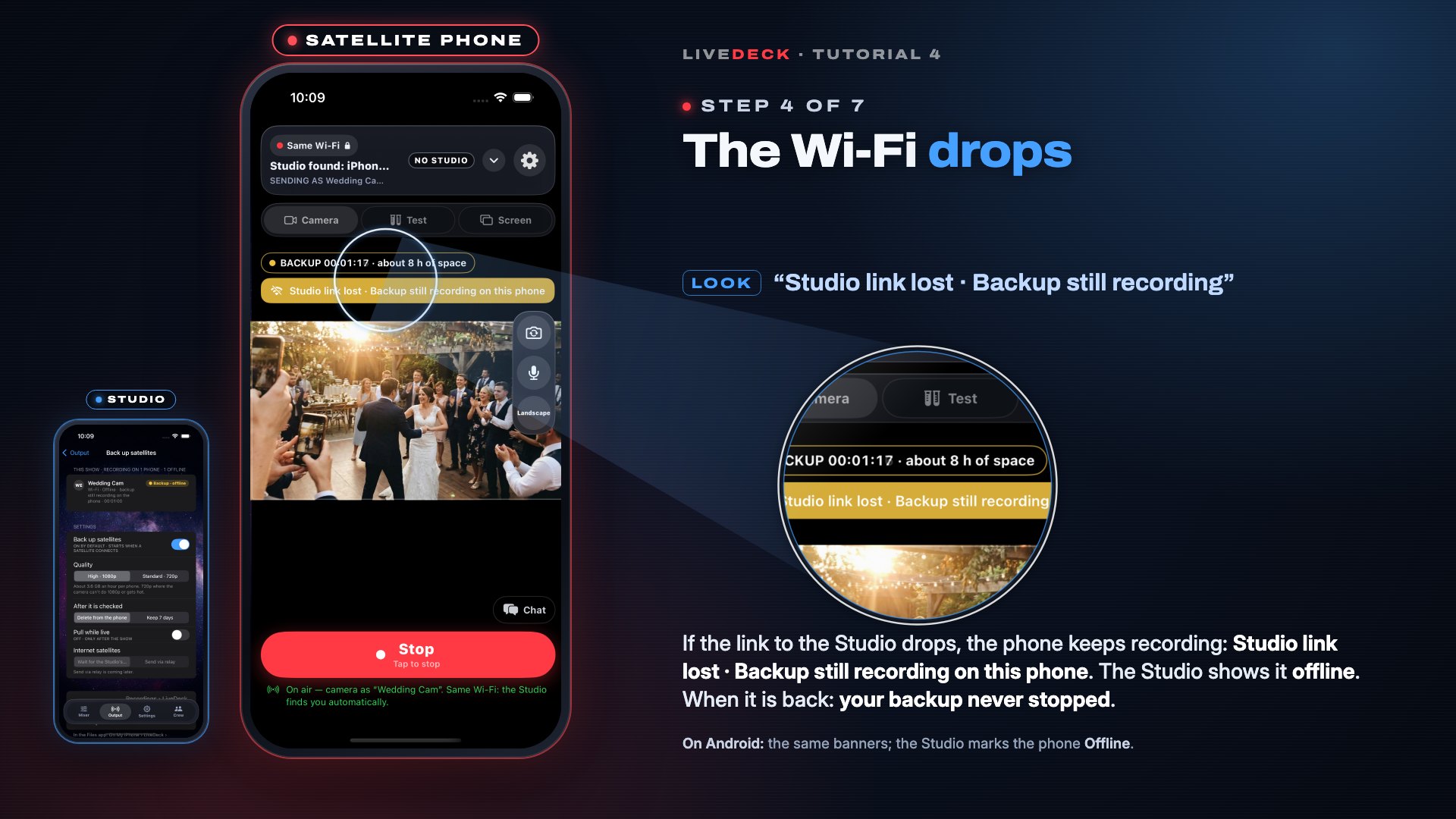 1:51Satellite backup recordings7 steps · Every satellite phone records its own copy of the show; the Studio collects and checks it afterwards.Watch
Guides
More coming soon. Next: Satellite: turn a spare phone into a camera.